
Modern displays — OLED TVs, laptop panels, phone screens — carry delicate anti-glare and anti-reflective coatings that ordinary glass cleaner and kitchen paper can quietly strip away over time, leaving a dull patch that never fully goes away.
What to avoid entirely
- Ammonia or alcohol-based glass cleaners — these break down anti-reflective coatings.
- Paper towels or tissues — the wood-pulp fibres are abrasive enough to create micro-scratches on a screen's soft coating.
- Pressing hard — OLED panels in particular can develop temporary or even permanent dark spots from firm pressure.
The right way
- Power off the screen — smudges and dust show up far more clearly on a dark, off screen than a lit one.
- Use a dry, clean, low-GSM microfiber cloth to remove dust first with light, straight strokes.
- For smudges or fingerprints, lightly dampen a second cloth with distilled water only — never spray liquid directly onto the screen, where it can seep into the bezel.
- Wipe gently in one direction, then dry-buff with a fresh section of cloth.
If a smudge won't lift with a barely-damp cloth, don't reach for a stronger cleaner — reach for a fresh, clean cloth. Most "stubborn" marks are actually residue building up from a cloth that's already dirty.
Why the cloth quality actually matters here
This is one job where cloth quality shows up immediately — a scratchy or low-grade microfiber will mark a screen in a single wipe. A well-made, tightly-woven cloth glides without drag, which is what keeps pressure light and even across the pass.
One cloth, one job
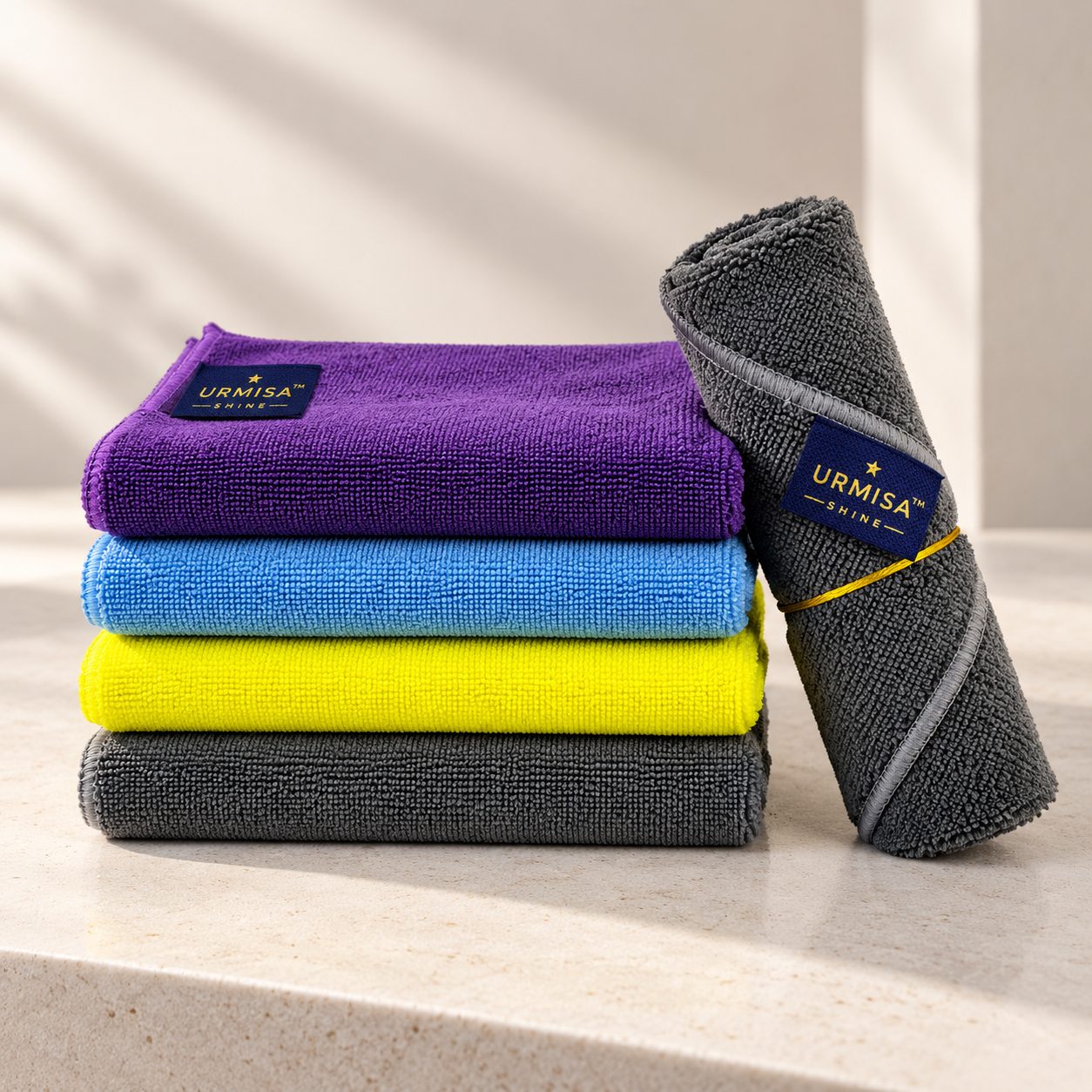
Keep a screen cloth strictly for screens — once it's picked up grease from a countertop or dust from a shelf, it stops being safe for glass. This is really the same colour-coded logic detailers use for cars, applied to your living room.